Smart intrusion alarms
Connected door, window and motion sensors create a dependable security perimeter.
 G AlarmPowered by Global NetworksClient Login424-424-2444
A practical, easy-to-browse guide to alarm services, smart features, property protection, security tips and common questions.
 Professional protection
Services that create a complete protection plan.
Connected door, window and motion sensors create a dependable security perimeter.
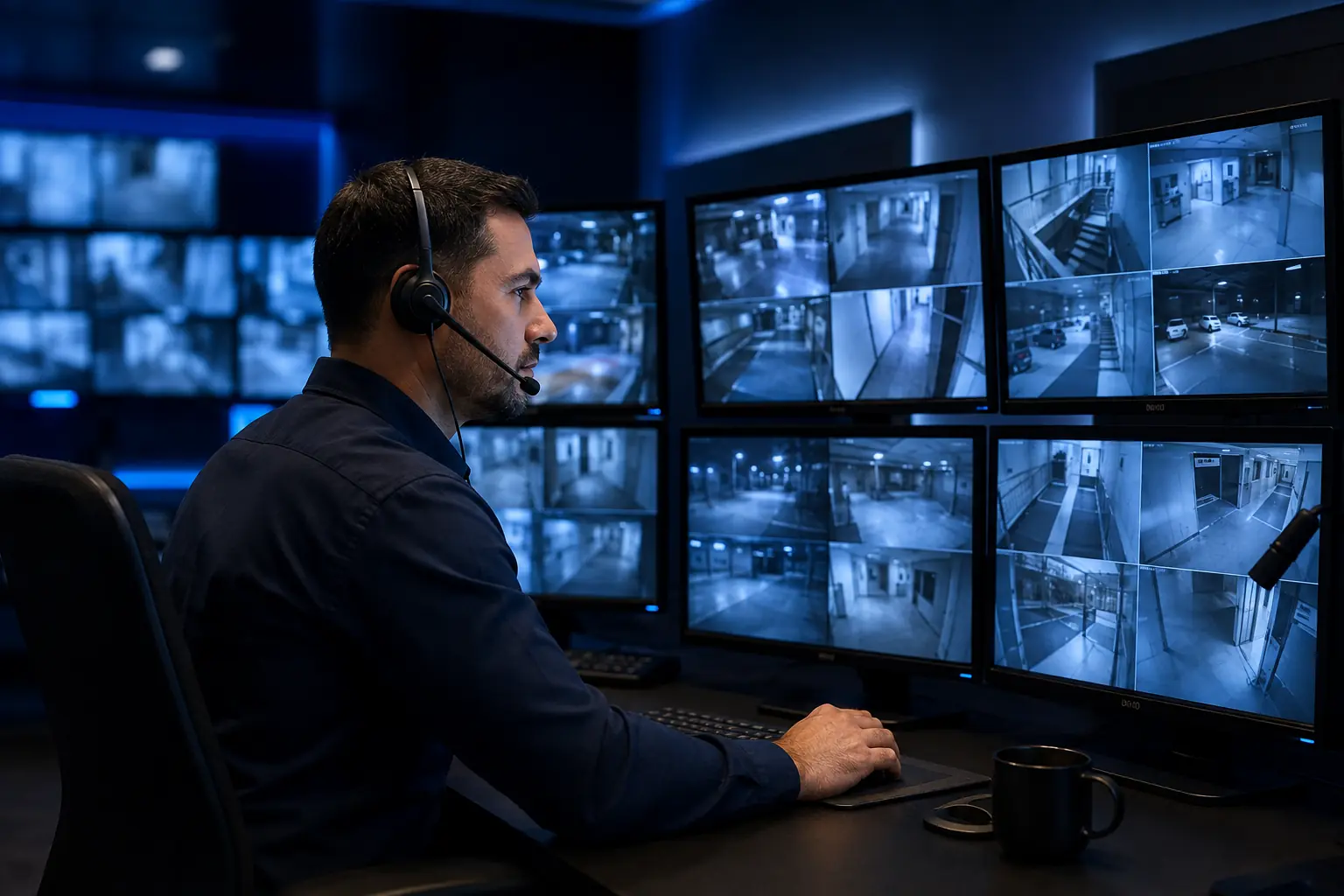
Trained monitoring professionals review alarm signals and follow your response plan.
Indoor and outdoor cameras provide live views, recordings and useful activity alerts.
See, hear and speak with visitors from your phone, whether you are home or away.
Monitored smoke and heat detectors provide early warning day and night.
Connected CO detectors alert occupants and can send a signal for monitored response.
Small sensors can warn you about leaks near sinks, appliances and water heaters.
Manage compatible door locks remotely and create access codes for trusted users.
Check garage status, receive reminders and control compatible doors from your app.
Create lighting schedules and scenes that support comfort, safety and energy savings.
Control compatible climate systems from the same app used for security.
Manage employee or tenant entry with assigned credentials and useful activity records.
Protect storefronts, offices and facilities with professionally designed detection.
Use flexible cameras and sensors to monitor equipment, materials and access points.
View security activity across multiple properties from one organized dashboard.
Evaluate compatible panels, wiring and sensors for reuse in a modernized system.
Maintain eligible alarm communication if the primary internet connection is interrupted.
Watch for temperature changes, water events and other property conditions.
Add compatible emergency buttons for a simple way to request assistance.
Build a practical system around the property layout, routines and priorities.
Modern controls that make security clearer and easier.
Receive notifications when selected sensors, cameras or alarm events activate.
Control your eligible alarm system securely from a compatible smartphone app.
Check connected cameras whenever you want a current view of the property.
Review saved event clips to understand what happened before and after activity.
Compatible analytics can distinguish people from many routine motion events.
Get useful notifications when supported cameras identify a delivery near your door.
Speak through compatible indoor, outdoor and doorbell cameras.
Give family, employees or vendors unique codes instead of sharing one credential.
Allow selected users to enter only during approved days or hours.
Review system events such as arming, disarming and selected access activity.
Coordinate security, lights, locks and temperature with a single command.
Receive compatible reminders if you leave without arming the property.
Know when supported security devices need battery attention.
Clear room and device labels make alerts easier to understand quickly.
Eligible systems can offer a special code for discreet emergency signaling.
Compatible monitoring can recognize certain panel tampering scenarios.
Modern compatible equipment helps protect data sent between system devices.
Eligible systems supervise key devices and communication paths.
Use supported voice platforms for convenient noncritical smart-home commands.
Add compatible sensors, cameras and automation as your needs change.
Practical protection ideas for different spaces.
Layer perimeter detection, cameras, life safety and simple mobile control.
Use compact, wireless options designed to protect primary doors and living spaces.
Cover attached garages, multiple levels, patios and shared-property boundaries.
Receive remote alerts and check cameras, temperature and water conditions.
Create organized access for owners, residents and authorized service providers.
Prioritize simple controls, life-safety detection and compatible emergency options.
Use entry alerts, camera zones and smart locks to support everyday awareness.
Choose sensor placement and settings designed around household animals.
Combine intrusion detection, video coverage and opening or closing accountability.
Protect entry points, private rooms, equipment and after-hours activity.
Cover large doors, loading areas, inventory zones and perimeter approaches.
Monitor entries, storage, cash-handling areas, temperature and after-hours access.
Use controlled access and security coverage for staff, patients and equipment.
Plan controlled entry, common-area visibility and clear emergency procedures.
Monitor showrooms, service bays, vehicle lots and after-hours movement.
Support welcoming access while protecting offices, equipment and gathering areas.
Organize access and alerts across buildings, units and maintenance teams.
Start with essential protection and preserve room to expand later.
Coordinate perimeter, access, video and environmental awareness.
Plan wiring, device locations and future capacity before walls are finished.
Simple steps that strengthen everyday safety.
Include front, back, side, garage and infrequently used exterior doors.
Prioritize ground-level and concealed windows that may be easier to approach.
Combine detection, video, lighting and good physical security practices.
Follow manufacturer and monitoring guidance for routine system tests.
Keep your call list current so the right people can be reached quickly.
Individual codes improve accountability and are easier to remove when needed.
Avoid glare, obstructions and views that do not cover important approach paths.
Position cameras to protect your property without intruding on private spaces.
Use strong passwords, current encryption and updated network equipment.
Use multifactor authentication when the security platform supports it.
Well-planned exterior lighting can improve camera images and discourage activity.
Maintain landscaping near entrances, windows and camera views.
Avoid public posts that clearly show an empty home in real time.
Arrange pickup or holds so deliveries do not signal an unattended property.
Secure gates, side yards, electrical areas and network equipment where practical.
Make sure household members or staff understand arming, disarming and alerts.
Maintain photos, serial numbers and receipts in a secure location.
Decide how occupants should exit, gather and communicate during emergencies.
Changes to rooms, inventory, staffing or routines may require system updates.
A site assessment can reveal blind spots and help prioritize the right equipment.
Straightforward answers before your consultation.
Pricing depends on property size, equipment, installation and monitoring. G Alarm provides a customized quote after reviewing your needs.
Ask G Alarm →Yes. Professional installation includes device placement, connection, testing and user guidance.
Ask G Alarm →Compatible systems support remote arming, disarming, alerts, video and user management.
Ask G Alarm →Some features use internet service, while eligible systems may also use cellular communication for alarm signals.
Ask G Alarm →Compatible alarm panels include backup batteries. Runtime varies by system condition and configuration.
Ask G Alarm →Sometimes. Compatibility and device condition must be evaluated before reuse is recommended.
Ask G Alarm →Professionally designed wireless systems can provide dependable protection with supervised devices and maintained batteries.
Ask G Alarm →Many residential systems are completed in one visit; larger or more complex projects may take longer.
Ask G Alarm →Yes. G Alarm designs solutions for offices, retail, warehouses and other commercial properties.
Ask G Alarm →Many systems are scalable, but compatibility and network capacity should be considered during planning.
Ask G Alarm →Pet-aware options and careful placement can reduce unwanted alerts, depending on the animal and property.
Ask G Alarm →Compatible platforms allow authorized users to have individual access and permissions.
Ask G Alarm →It uses supported camera information to help understand whether an alarm event may require action.
Ask G Alarm →A monitoring center receives eligible alarm signals and follows the account’s established response instructions.
Ask G Alarm →Wireless and compact solutions may work well for renters, subject to property rules and installation permission.
Ask G Alarm →Compatible locks can be controlled alongside the system and included in automation scenes.
Ask G Alarm →Battery life varies. Follow device guidance and respond promptly to low-battery notifications.
Ask G Alarm →Some insurers offer discounts for qualifying systems. Ask your insurance provider about its requirements.
Ask G Alarm →Property type, approximate size, desired features, existing equipment and key security concerns are helpful.
Ask G Alarm →Call 424-424-2444 or request a consultation online for a customized recommendation.
Ask G Alarm →Tell us what matters most. We’ll recommend the right system for your space.